Wan 2.7: The Narrative Engine
for AI Video.
Direct 15-second cinematic stories with Starring™ consistency and native audio.
Under the hood.
Core capabilities of the Wan 2.7 AI video generator — character lock to motion control.
Starring™ — Clone-Level Character Consistency
- 01Identity lock from a single reference video
- 02Dual-subject interaction in the same frame
- 03Preserves voice timbre and mannerisms across scenes

15-Second Narrative Arcs in One Shot
- 01Complete story arc in one generation
- 02Optimized for TikTok, Reels, and YouTube Shorts
- 03Eliminates multi-clip concatenation artifacts
Native Lip-Sync & Foley Audio Generation
- 01Frame-accurate lip-sync without external tools
- 02Physics-aware sound effects (footsteps, rain, impacts)
- 03Ambient BGM generation matched to scene mood
Wan-Move: Dense Motion Control
- 01Dense point tracking for precise motion paths
- 02Camera trajectory control via text or visual input
- 03Built on proprietary 3D VAE architecture
The reel.
Complete 15-second story arcs. Character consistency and lip-sync, all from text.

Virtual presenter unboxing a sleek smartphone, enthusiastic expression, studio backdrop with soft lighting, professional product review style, character locked via Starring
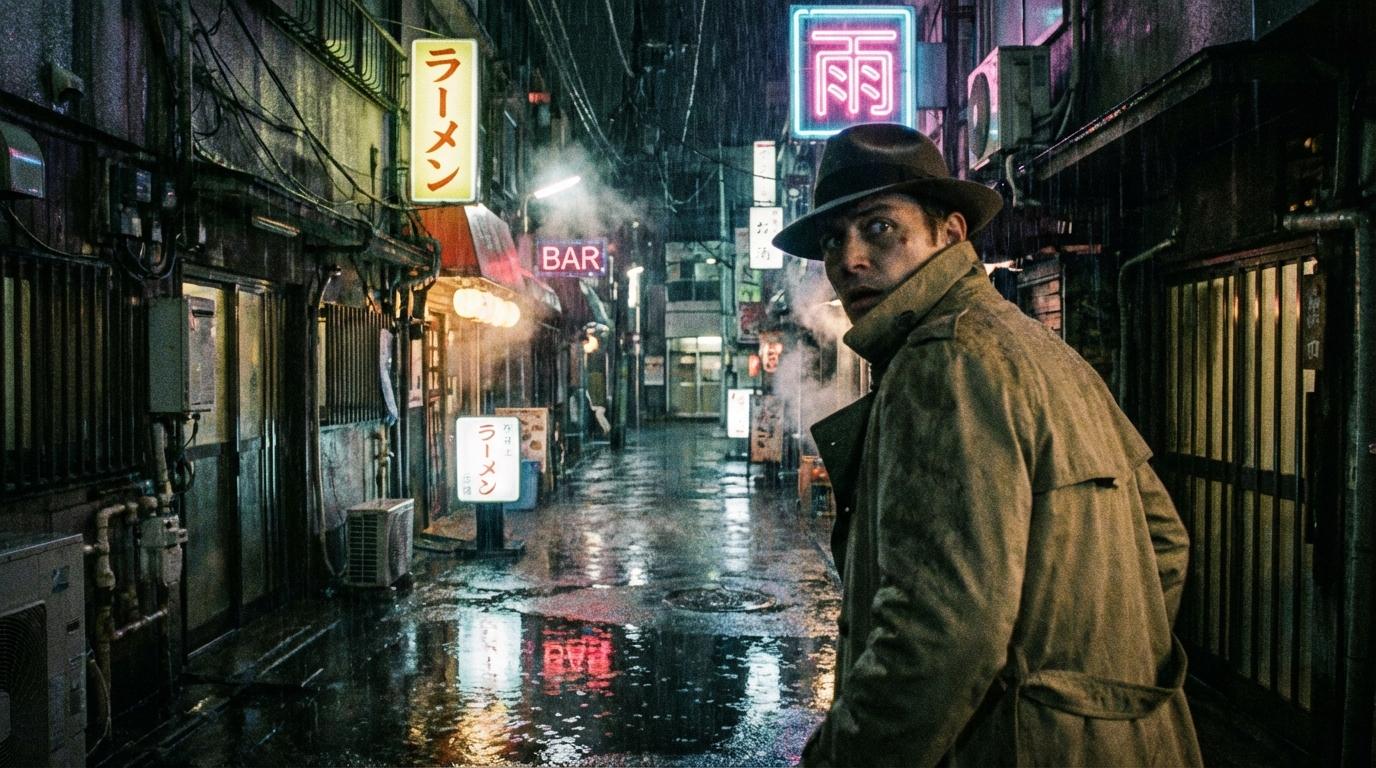
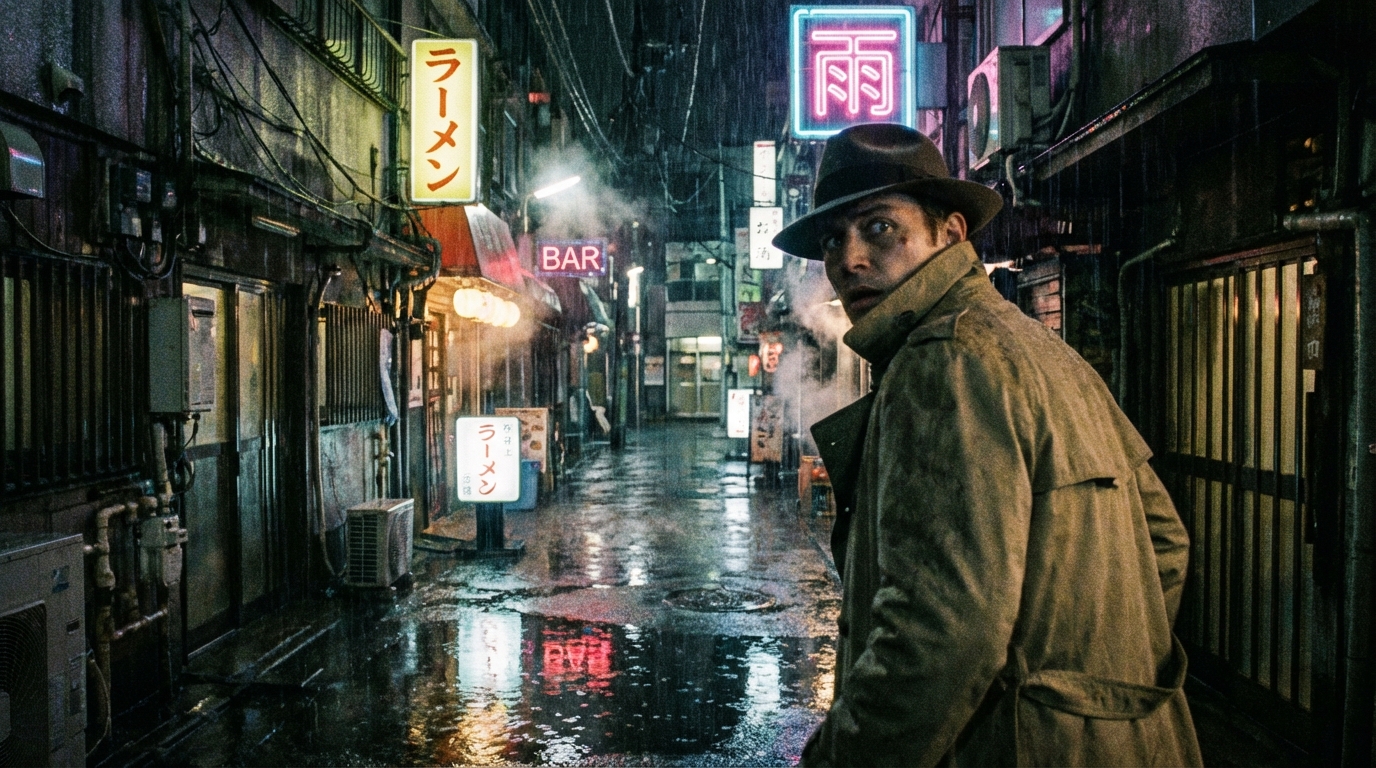
Dramatic scene in a rain-soaked Tokyo alley at night, character looking back over shoulder, neon reflections in puddles, cinematic tension, noir atmosphere
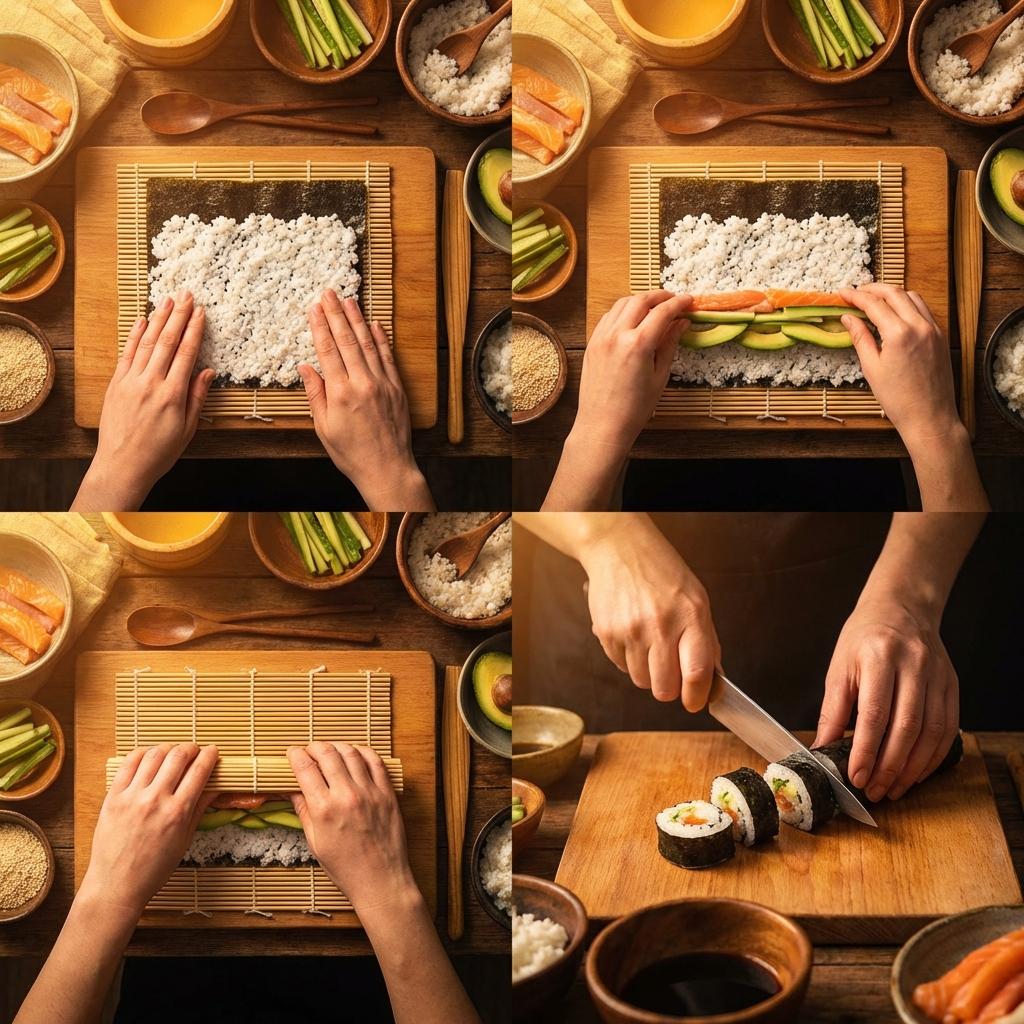
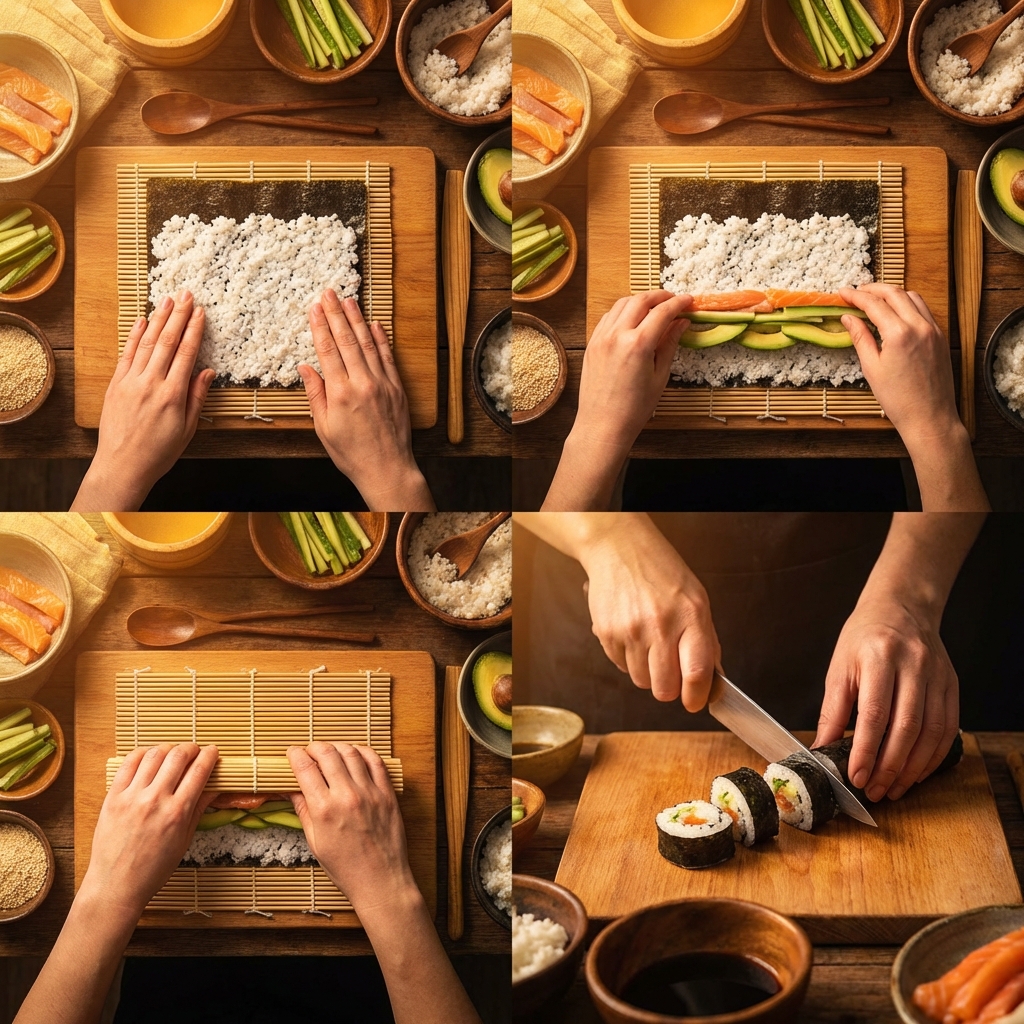
Hands preparing sushi rolls on a bamboo mat, step-by-step cooking tutorial style, overhead camera, warm kitchen lighting, narrated with lip-synced voiceover
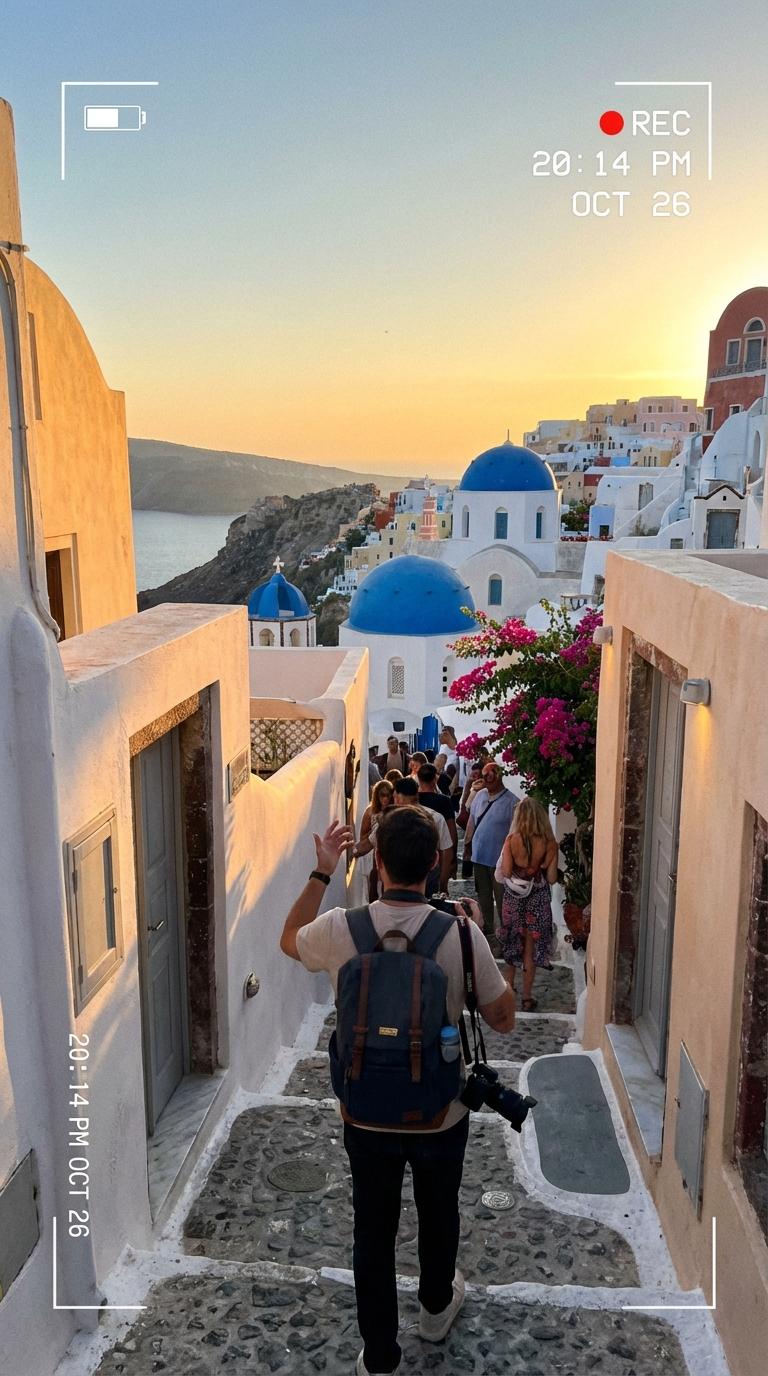
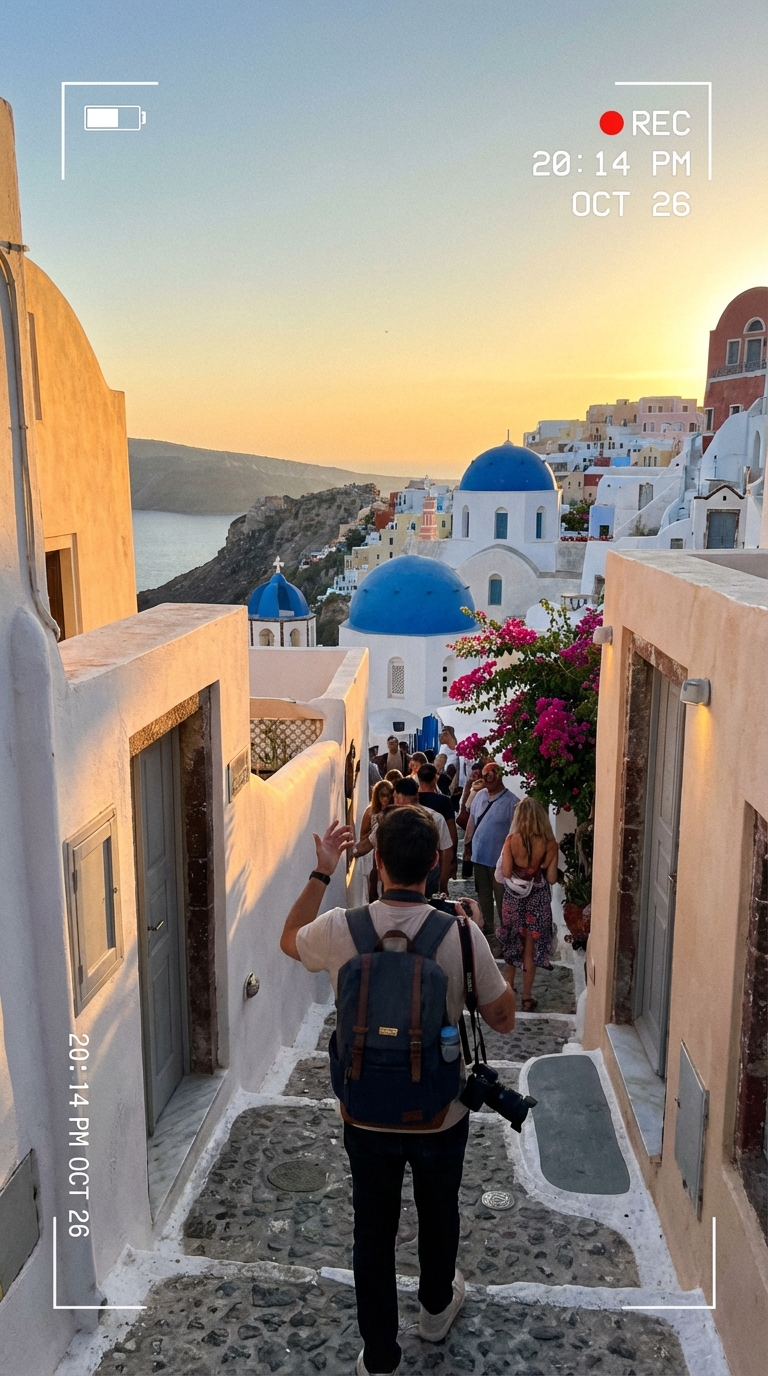
Travel vlog exploring white-washed Santorini streets, blue domes in background, golden hour lighting, handheld camera style, character narrating while walking
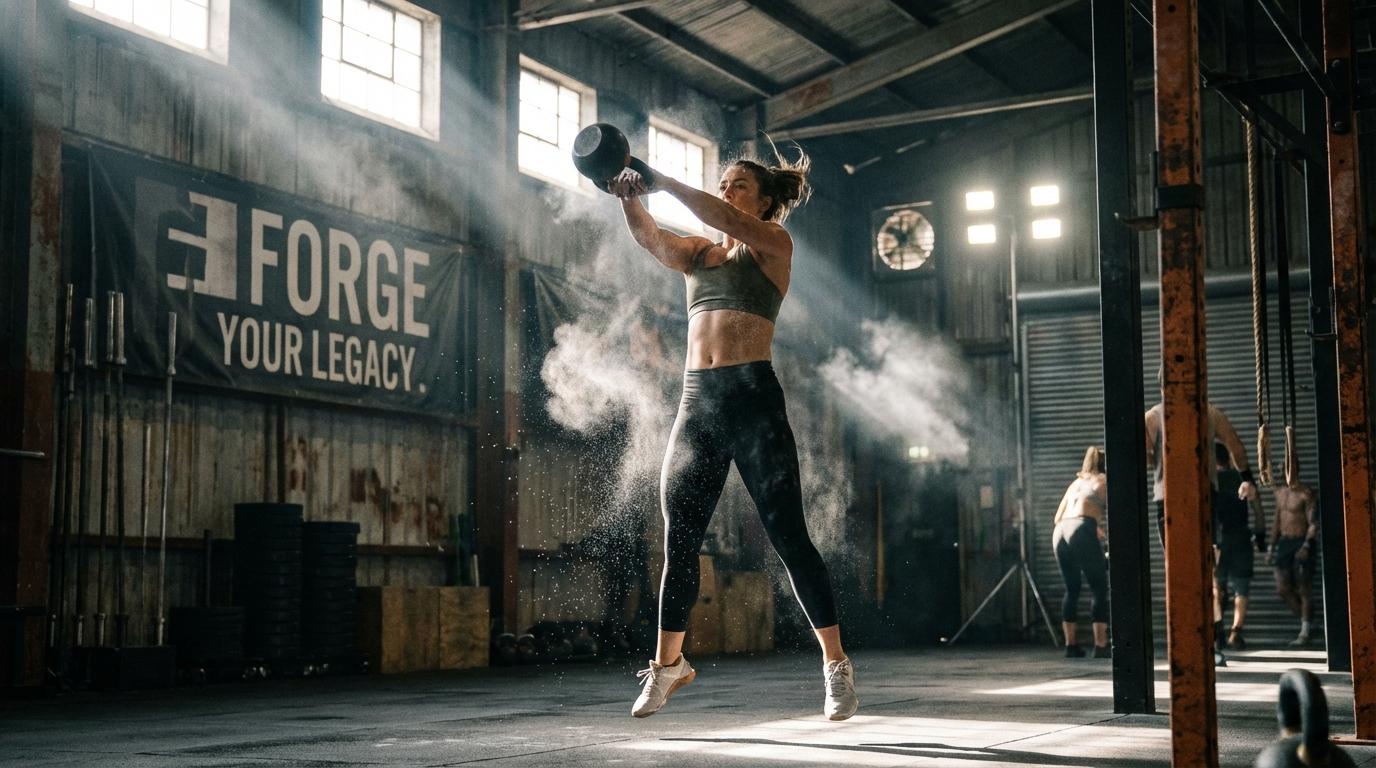
Dynamic fitness training montage in an industrial gym, multiple exercises, fast cuts, energetic movement, motivational atmosphere, tracking camera
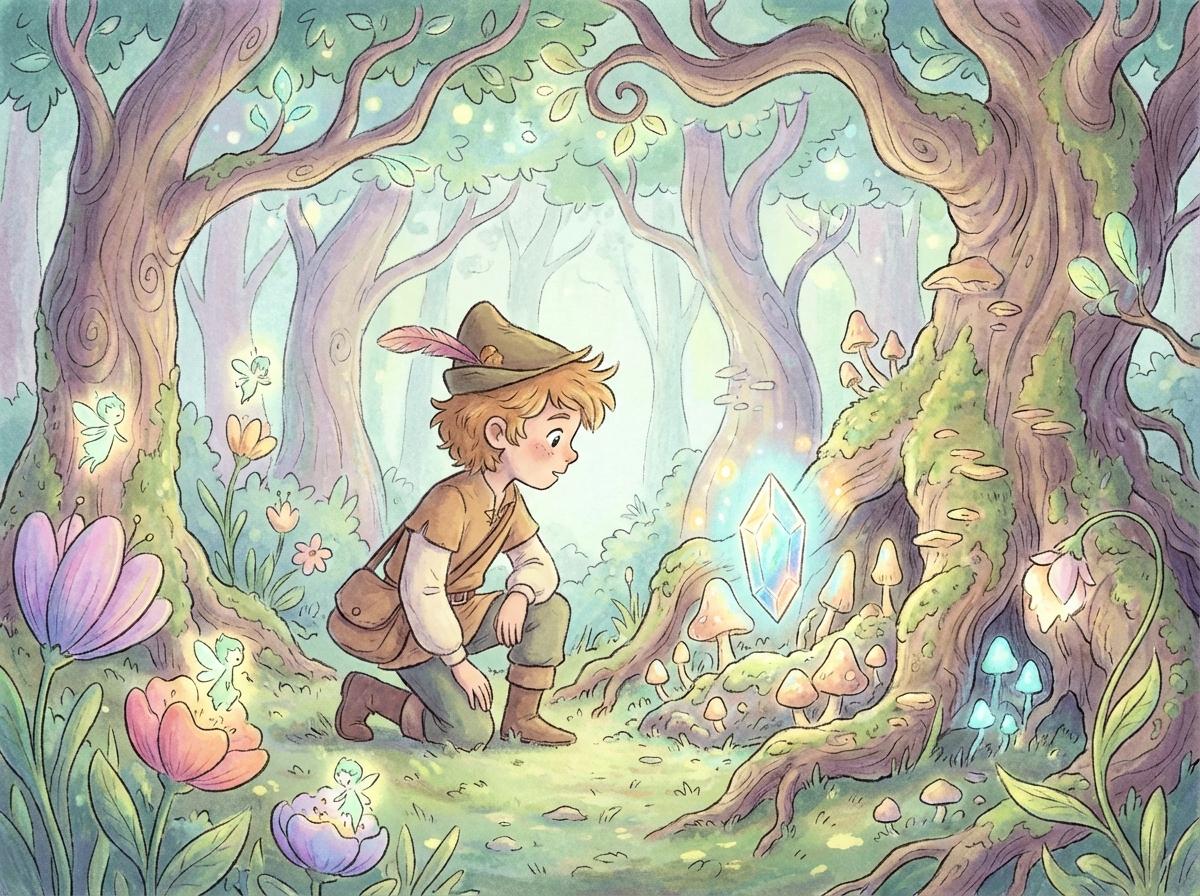
Animated children story, young adventurer discovering a glowing magical crystal in an enchanted forest, whimsical art style, soft pastel colors, fairy tale atmosphere
Dense motion, zero lag.
The Wan-Move architecture — 3D VAE and latent trajectory guidance.
Blazing ~10s Rendering
The Fastest in Its Class
Generate 15-second narrative clips in approximately 10 seconds. Iterate on prompts at the speed of thought, then export final cuts instantly.
Multi-Language Dubbing
One Character, Five Languages
Combine Starring identity lock with native lip-sync to re-render the same scene in multiple languages. No re-training, no separate dubbing pipeline.
Flexible Aspect Ratios
Every Platform, One Prompt
Generate in 9:16 for TikTok & Reels, 16:9 for YouTube, 1:1 for Instagram, or 4:3 for presentations — all from the same prompt.
E-Commerce Ready
From Product Photo to Unboxing Video
Upload one product photo, select a virtual presenter via Starring, and generate broadcast-ready unboxing and review videos at scale.
The New Big Three
| Dimension | Wan 2.7 | Sora 2 | Veo 3.1 |
|---|---|---|---|
| Core Philosophy | Narrative Engine | World Simulator | Cinematographer |
| Character Consistency | Clone-Level (R2V) | High | Medium |
| Native Audio | Lip-Sync + Foley | Foley Only | Foley |
| Max Duration | 15s (Single Shot) | 60s | 8s |
| Motion Control | Wan-Move (Dense) | Physics Engine | Masked Edit |
| Generation Speed | ~10 sec | 5-10 mins | 1-2 mins |
Prompt to narrative.
From text to 15-second video in three steps.
How to Prompt Wan 2.7 Like a Pro
Advanced techniques to get the most out of Wan 2.7's narrative engine.
The Starring Anchor Method
Upload a clear, well-lit reference video of your character first, then describe the new scene. The visual anchor keeps identity consistent even in extreme environments — underwater, in space, or in stylized anime worlds.
Describe the Full Arc
Wan 2.7 excels at 15-second stories. Include a beginning, turning point, and resolution in your prompt: "A chef tastes the soup, frowns, adds spices, tastes again, and smiles in satisfaction."
Layer Audio Cues
Mention specific sounds in your prompt — "rain hitting a tin roof", "crowd cheering in a stadium". Wan 2.7's native Foley engine will generate matching audio automatically.
Chain Shots with Last-Frame Input
For longer narratives, use the last frame of Shot 1 as the starting image for Shot 2. This creates seamless continuity across your timeline without re-prompting the full context.
Wan 2.7 FAQ
More engines.
Each model excels in different areas. Your credits work across all models.
Seedance 2.0
Multimodal video generation with reference media, audio guidance, and fast director-style iteration.
Generate with Seedance 2.0Google Veo 3.1
Cinematic 4K fidelity with photorealistic lighting and masked editing capabilities.
Try Veo 3.1Seedance 2.0
12-input multimodal control with native audio sync and zero-shot character lock.
Explore Seedance 2.0Start Your Story.
Direct with Wan 2.7 now. Start with free credits.